
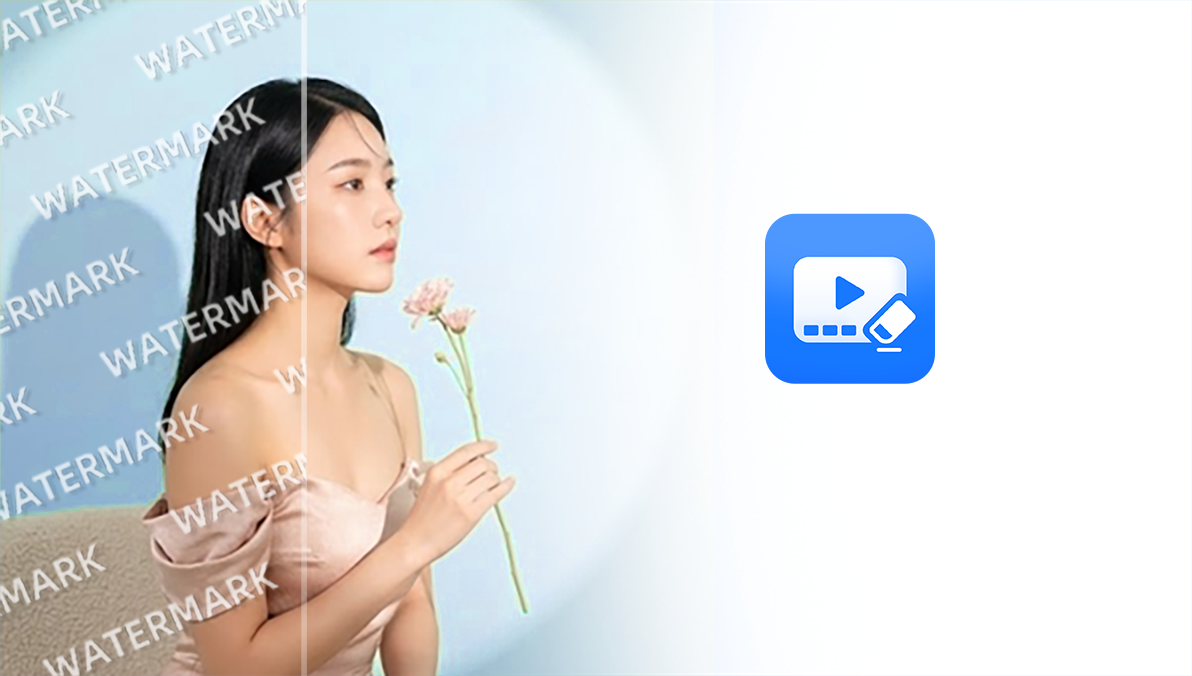

Add Watermarks
Add text, images, or brand marks to your videos, then freely adjust their position, size, and appearance for content labels, brand visibility, and more.
UWOW is an AI video editing app that supports AI object removal, content generation, visual enhancement, and watermark addition—bringing video creation and editing together in one place.
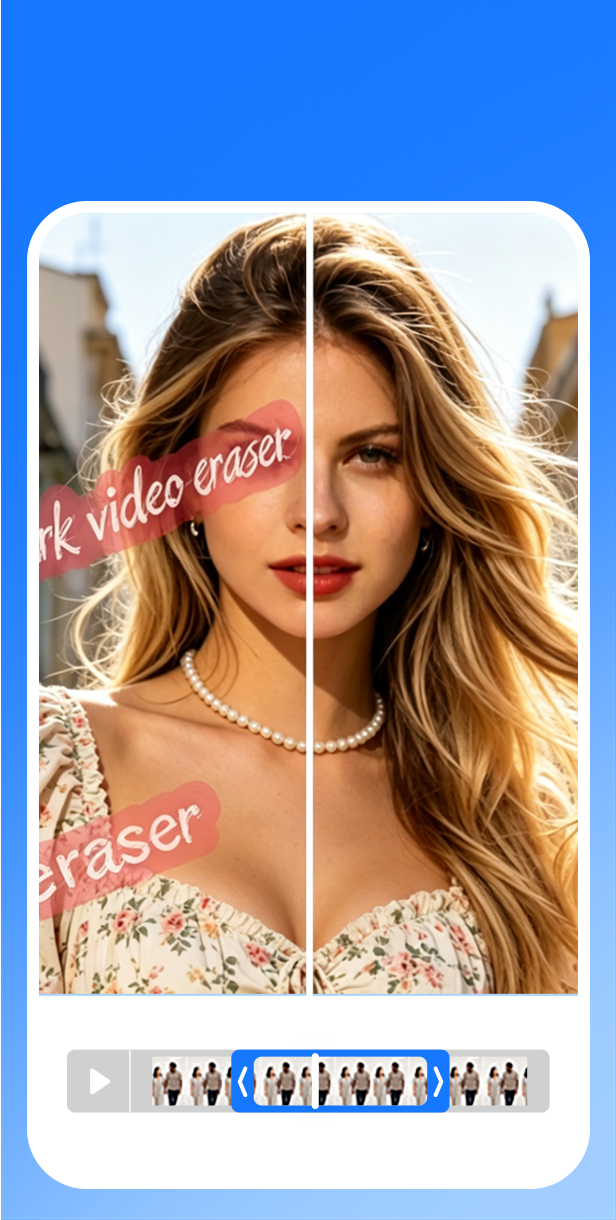
Intelligently process unwanted objects in your footage, combining AI-powered area repair and quality enhancement to make video optimization and creation easy.
Uwow Labs, Inc. is a U.S.-based technology company dedicated to building the next generation of AI-powered video editing tools. Our mission is to make professional video editing accessible to everyone. We believe powerful creative tools should be intuitive, fast, and always available.
From object removal to area repair, smart tracking, scene completion, and HD enhancement make complex video editing simpler.
Add text, images, or brand marks to your videos, then freely adjust their position, size, and appearance for content labels, brand visibility, and more.

Flexibly select text, stickers, and other areas in your footage. AI-powered area processing and background completion keep the result natural and cohesive.

Easily remove people, clutter, stickers, and other visual elements. AI analyzes the surrounding content and naturally fills the edited area.

Make detailed selections across multiple areas and set protected zones to keep people, products, and other important footage safe from edits.
A simple, efficient AI video editing experience

“I can remove distracting text from short videos without opening a desktop editor.”

“The area selection workflow is direct: mark, clean, preview, and export.”
Basic answers before getting started.
Every plan includes credits for UWOW AI video editing tools.
For occasional video editing and quick edits.
More credits for a regular creative workflow.
More room for frequent projects and exports.
Our highest credit tier for demanding workflows.
A mobile AI video editing engine for intelligent erasing, quality restoration, and efficient export—precise control at your fingertips with near-instant response.
Uwow is launching soon. Please stay tuned.